Free Math Problem Solver — All Features
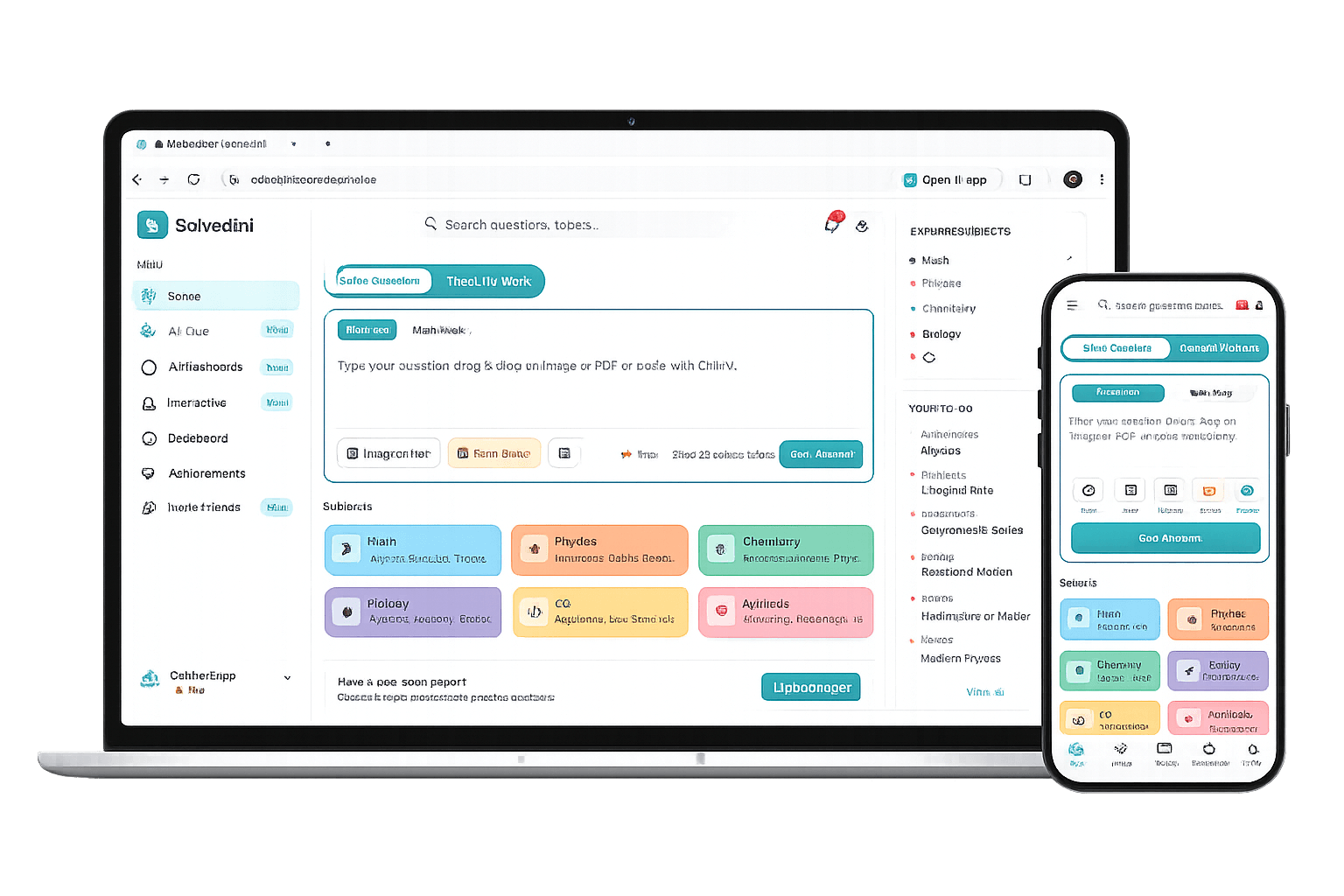
The free AI math equation solver combines step-by-step solutions, practice quizzes, smart flashcards, and progress tracking into one study companion for math, physics, chemistry, and biology.
Snap or upload
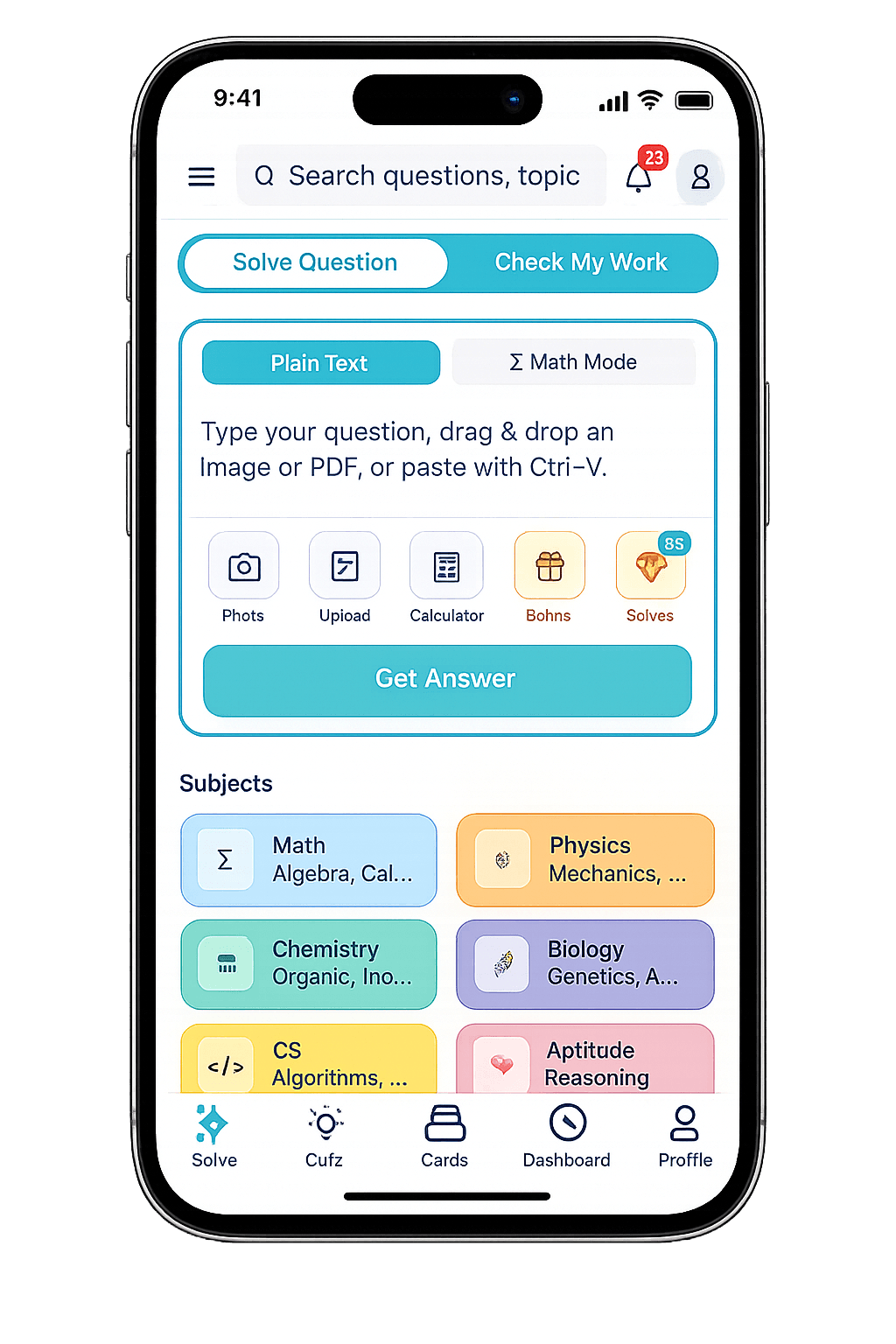
Take a photo, paste a question, or drop a PDF. Multi-question detection extracts each problem.
AI solves in seconds
Step-by-step explanation with LaTeX-rendered formulas, exam-aligned reasoning, and worked examples.
Master the concept
Quiz yourself, drill spaced-repetition flashcards, and track your progress in the dashboard.
Step-by-Step Explanations
Upload a photo of any Math, Physics, Chemistry, Biology, Computer Science, or Aptitude question. SolveGini extracts the problem, identifies the subject and topic, and delivers a detailed step-by-step explanation with LaTeX-rendered formulas — so you understand the reasoning, not just the answer.
- Supports handwritten, printed, and typed questions
- Multi-question detection from a single image
- Step-by-step reasoning with clear explanations
- LaTeX-rendered formulas for mathematical accuracy
Check My Work
UniqueUpload a photo of your own handwritten solution. The AI analyzes each step, identifies exactly where you made an error, explains why it is wrong, and shows the correct approach to reach the answer.
- Finds errors in your reasoning, not just the final answer
- Explains what went wrong at each step
- Shows the correct solution path
- Helps build problem-solving habits
Practice Quizzes
Generate MCQ quizzes on any topic instantly. Choose the subject, topic, and difficulty level. SolveGini creates unique questions each time, complete with detailed explanations for every answer option — perfect for revision.
- Generate quizzes on any topic
- Multiple difficulty levels
- Detailed explanations for every option
- Track scores and accuracy over time
Smart Flashcards
Create flashcard decks from any topic. Study using the SM-2 spaced repetition algorithm, which scientifically schedules reviews so you spend more time on concepts you find difficult and less on what you already know.
- AI-generated flashcard content
- SM-2 spaced repetition scheduling
- Confidence-based rating system
- Track mastery per deck and topic
Progress Dashboard
Get a complete picture of your study habits. Track questions solved per day, streaks, subject distribution, quiz scores, and improvement trends with visual charts and analytics.
- Daily, weekly, and monthly study tracking
- Subject-wise breakdown of activity
- Streak tracking to build consistency
- Visual charts for scores and progress
Achievements & XP System
Stay motivated with a gamified learning experience. Earn XP for every question solved, quiz completed, and flashcard reviewed. Unlock badges for milestones like study streaks, perfect quiz scores, and subject mastery.
- XP and leveling system
- 40+ unique achievement badges
- Streak rewards (daily and weekly)
- Subject mastery badges
Frequently Asked Questions
Is SolveGini a free alternative to Gauthmath?
Yes. SolveGini and Gauthmath both solve math problems from photos, but SolveGini goes further: every solution includes full step-by-step working with LaTeX-rendered formulas, plus AI-generated quizzes, spaced-repetition flashcards, and a free daily study planner — all free. There is no paywall on step-by-step answers.
How does SolveGini compare to Microsoft Math Solver?
Both tools solve typed and photographed math problems. SolveGini adds a study layer on top: after solving, you can generate a quiz on the same topic, build flashcard decks, and track progress on a dashboard. Microsoft Math Solver focuses on the solve step; SolveGini covers the full revision cycle from problem to mastery.
Is SolveGini a free Wolfram Alpha alternative for math?
SolveGini is a better fit when you need exam-style step-by-step working rather than computational output. Wolfram Alpha returns answers in a CAS (computer algebra system) format aimed at researchers and engineers. SolveGini explains each step the way a textbook or mark scheme does — useful for GCSE, SAT, JEE, AP, and similar exams where method marks count.
Can I use SolveGini as a mathematics solver app on my phone?
SolveGini is a mobile-ready web app — open it in any browser on iOS or Android and it works like a native mathematics solver app. Tap the camera icon to photograph a problem directly. No download required, and your solve history syncs across devices when you sign in.
What makes SolveGini an AI math solver rather than a calculator?
A calculator evaluates a formula you enter. SolveGini's AI reads the problem, identifies the topic (algebra, calculus, trigonometry, etc.), chooses the right method, and explains every step in plain language. It handles handwritten questions, word problems, and multi-step proofs — not just arithmetic expressions.
Ready to study smarter?